Build palettes you'll actually come back to.
Color Scope is a native iPad and macOS app for illustrators. Capture colors from any reference, organize them the way you think, and reach for them the next time you start a piece.
Tools for the colors you'll actually use.
Color Scope is built for the small daily moves illustrators make: pulling a swatch from a reference, building a working palette, returning to a color from three projects ago.
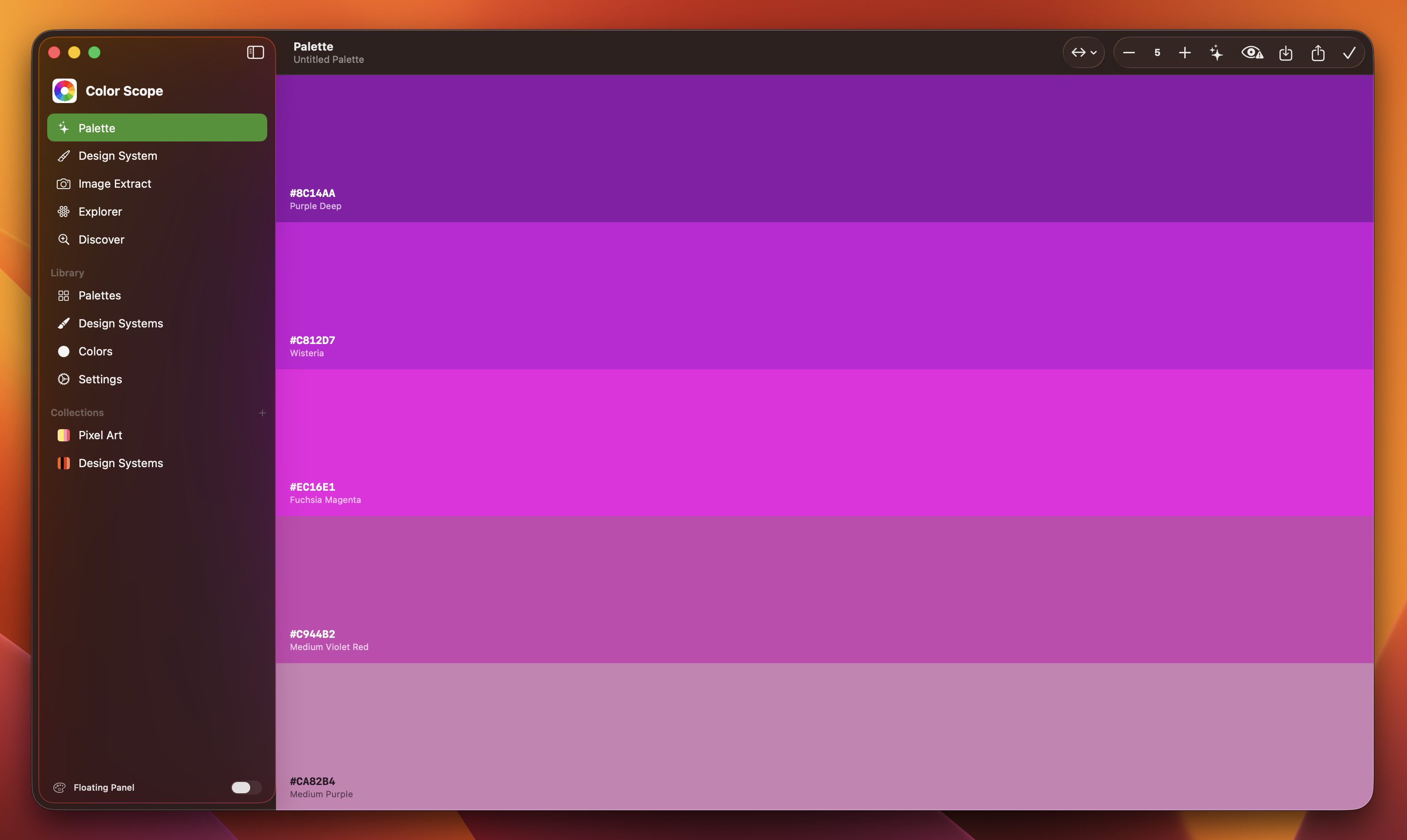
Palette builder
Build palettes by hand or by harmony, with the math done quietly in the background.
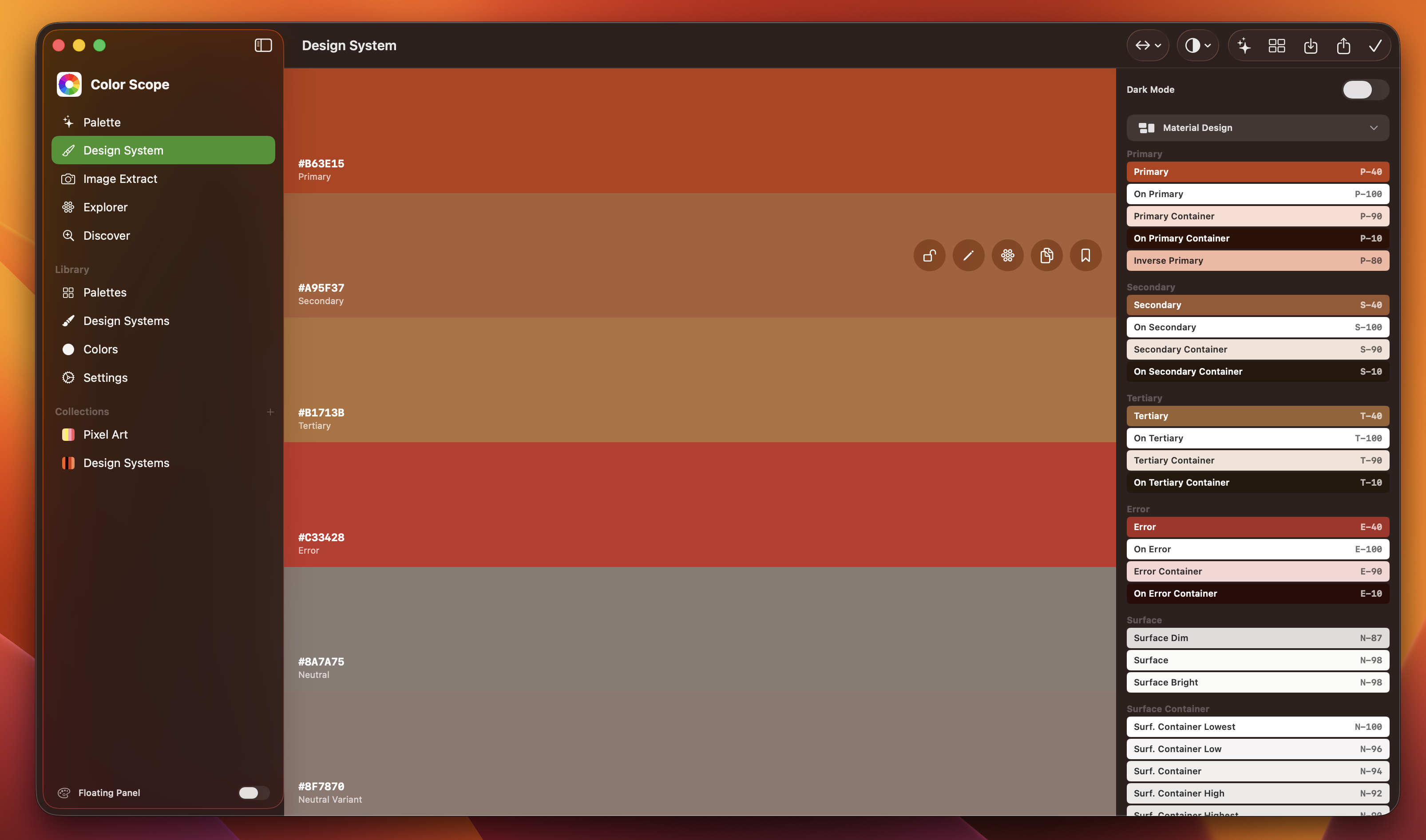
Project library
Group palettes into projects so a piece you started last month is still there next month.
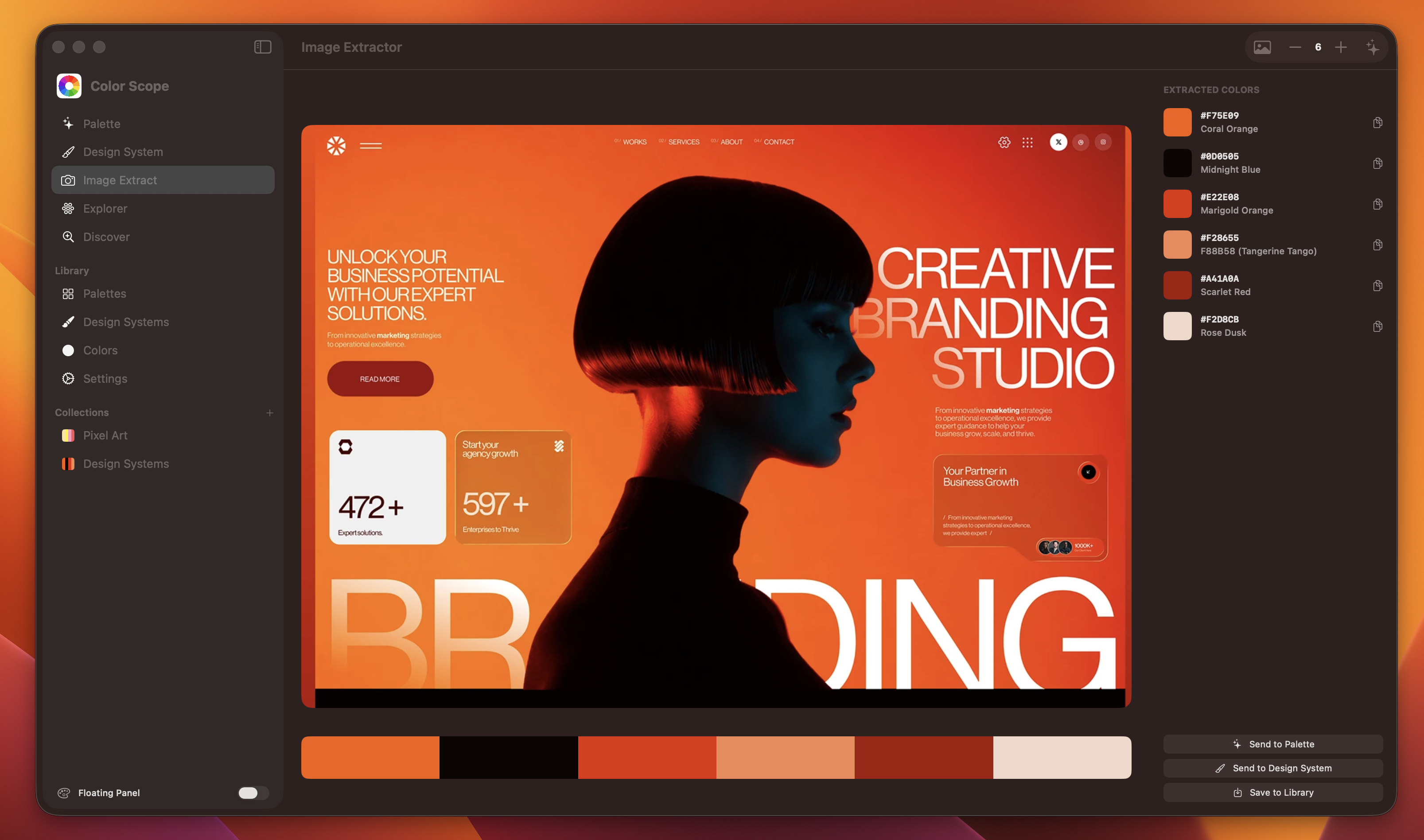
Image color extraction
Drop in a film still, a photo, or a screenshot, and pull the colors you actually saw.
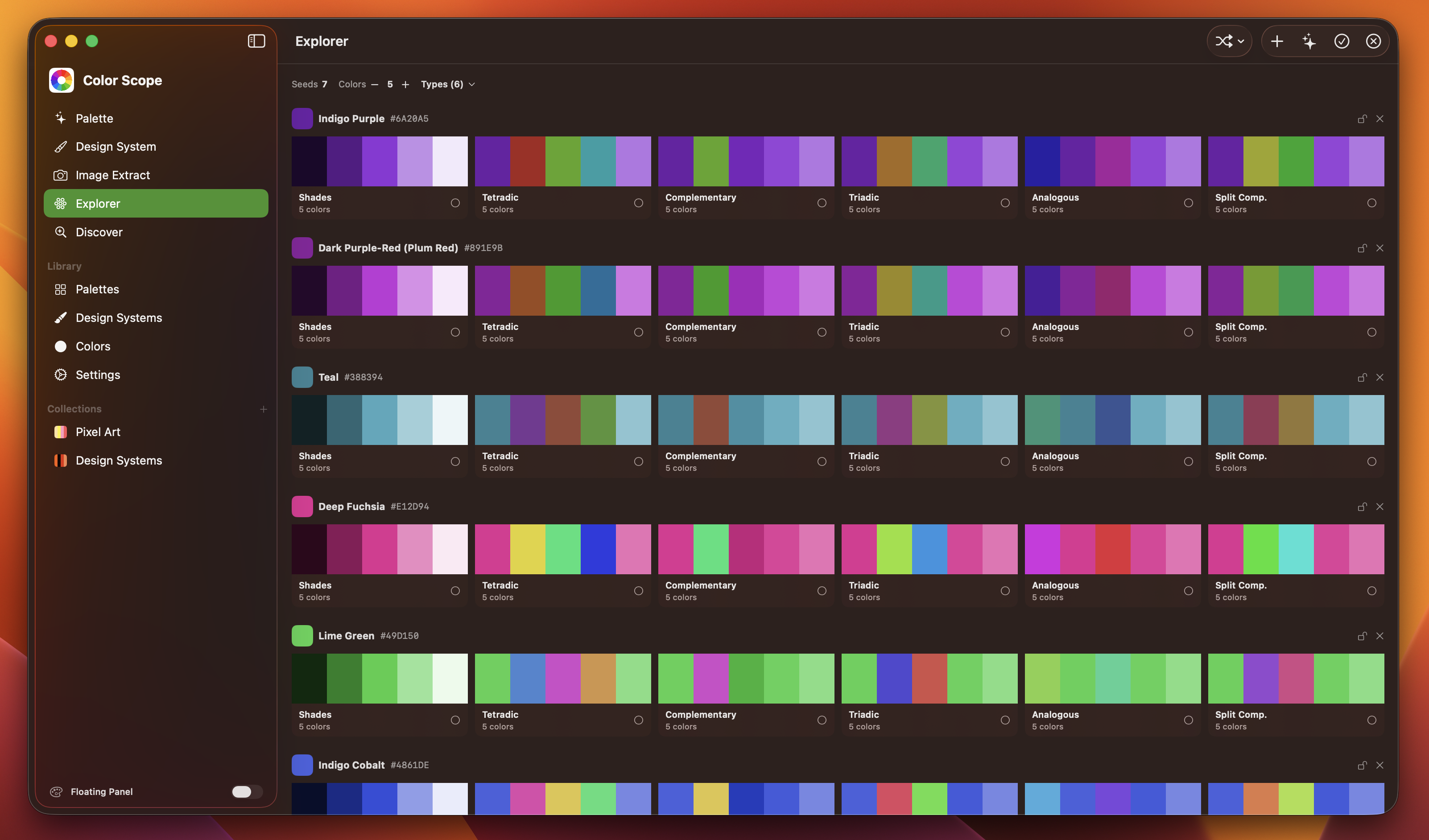
Color explorer
Move through the spectrum with your finger or a Pencil, finding shifts a slider would skip.
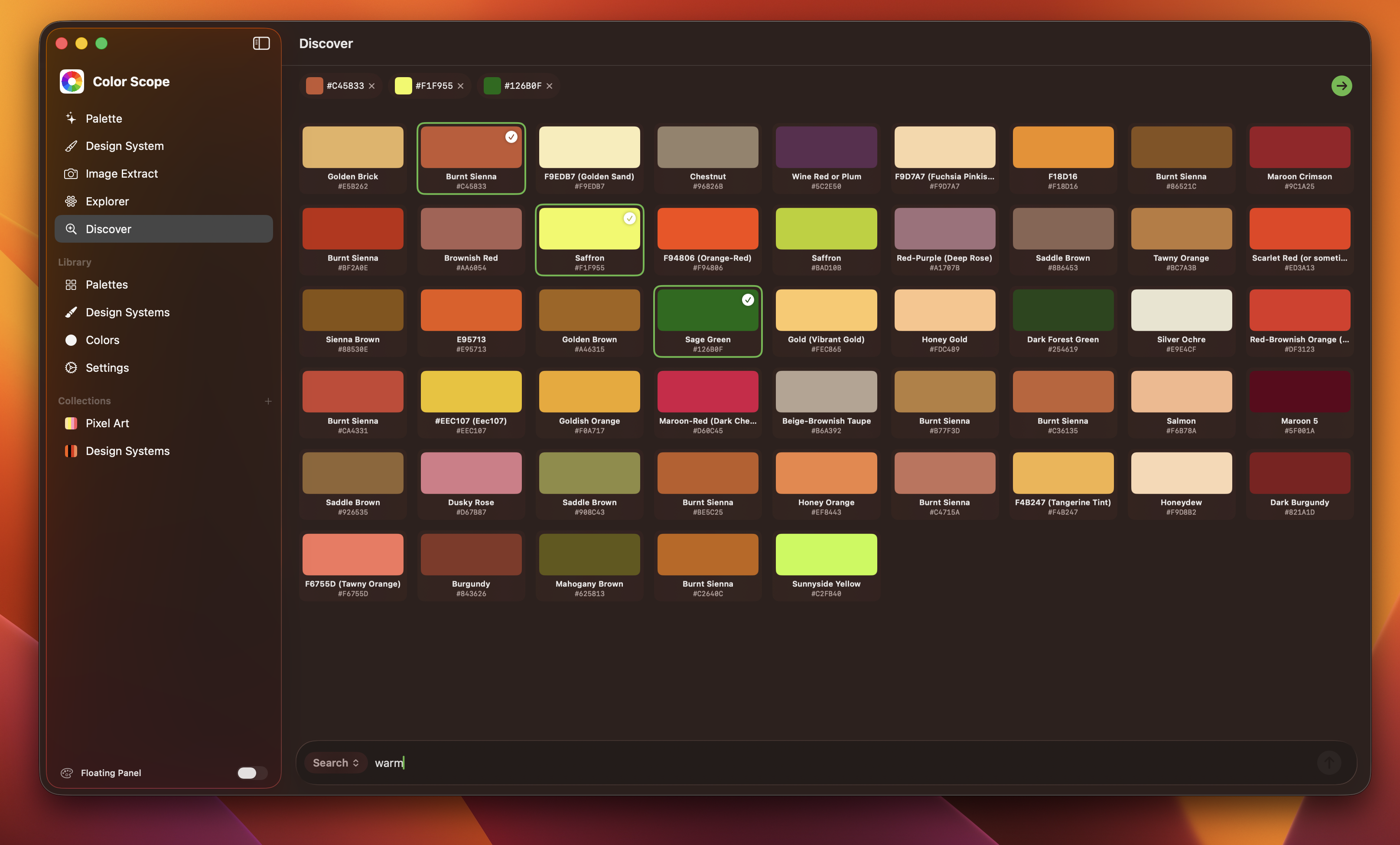
Swatch search
Find any color you've saved by name, hex, or the project it lived in.
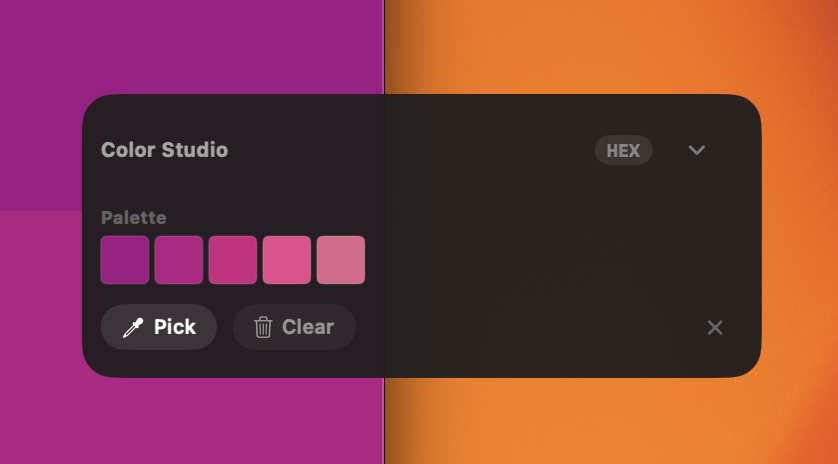
Quick access panel
Pin the colors you're using right now so they're a tap away while you work.
From a moment of inspiration to a palette you keep.
Catch the colors you love when you see them, organize them the way you think, and reach for them the next time you sit down to work.
Capture
Pull colors from a photo or film still, or build them from scratch with harmony hints.
Organize
Group palettes into projects, name them, and keep the keepers separate from the experiments.
Return
Find any color you've saved across every project, ready the next time you start something new.
Peek inside the experience.
Real screens from the early access build of Color Scope.
Get Color Scope on iPad and Mac.
Color Scope is out on the App Store. Download it and start building palettes you keep coming back to.